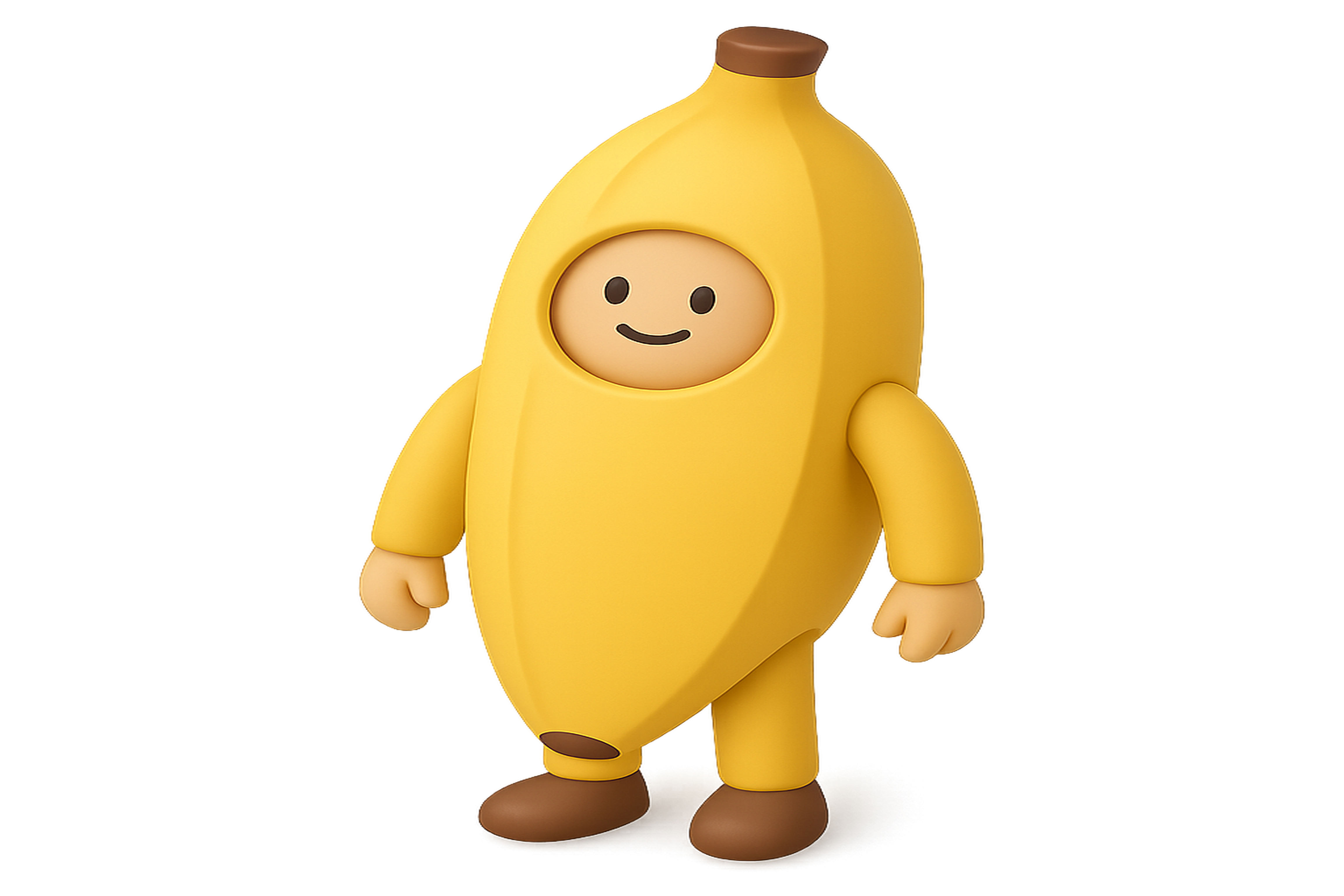
Nano Banana Flash is an AI image generation service that helps creators turn ideas into visuals in seconds. Whether you're a marketer, designer, or content creator, our platform provides fast, consistent results with transparent credit-based pricing.
What Makes Nano Banana Flash Different?
Unlike many AI image generators that rely on black-box models and unpredictable outputs, Nano Banana Flash focuses on consistency and control. Our platform is designed for professional use cases where brand alignment, style consistency, and predictable costs matter.
Core Features
Lightning-Fast Generation: Most images complete in under 30 seconds, so you can iterate quickly and meet tight deadlines without waiting in long queues.
Text-to-Image AI: Simply describe what you want to create, and our AI transforms your text prompt into a visual. Whether you need a product shot, social media graphic, or conceptual artwork, just type your description.
Image-to-Image Transformation: Upload a reference image and guide the AI to create variations while maintaining composition, style, or key elements. This is perfect for brand campaigns where consistency is crucial.
Style Control: Save prompt recipes and reuse them across multiple generations. This ensures your visuals maintain a cohesive look across campaigns, social channels, and marketing materials.
Transparent Credits: See exactly how many credits each generation will cost before you run it. No surprise charges—just clear, predictable pricing that scales with your needs.
Who Uses Nano Banana Flash?
Marketing Teams
Marketing professionals use Nano Banana Flash to create ad creatives, social media graphics, email newsletter visuals, and presentation assets. The ability to generate consistent imagery across multiple campaigns saves hours of design time.
Product Designers
Create product mockups, concept art, and design variations without starting from scratch. Upload reference images and iterate quickly while maintaining your design direction.
Content Creators
Bloggers, YouTubers, and social media creators generate thumbnails, channel art, and post graphics that stand out. The speed of generation means you can test multiple concepts and choose the best one.
Small Business Owners
Get professional-looking visuals without hiring a designer. Create product photos, marketing materials, and branded content that helps your business stand out.
How it Works
Step 1: Choose Your Plan
Select a plan that fits your needs. Each plan includes a set number of credits that refresh monthly or yearly, depending on your billing cycle. Credits are used for each generation, and the cost is always displayed upfront.
Step 2: Create Your Prompt
Write a detailed description of what you want to create. Include subject, style, mood, lighting, and any specific details that matter to your vision. The more specific your prompt, the better the results.
Step 3: Upload a Reference (Optional)
If you have a reference image, upload it to guide the AI. This helps maintain consistency with existing visuals or brand assets.
Step 4: Generate and Refine
Run the generation and review your results. If needed, refine your prompt and regenerate. The credit cost is shown before each generation, so you always know what you're spending.
Step 5: Download and Use
Download your images in high resolution and use them wherever you need—websites, social media, presentations, or print materials.
Plans and Credits
All plans include monthly or yearly credits that renew automatically. Current pricing and plan details are listed on the /pricing page. Here's what you need to know:
- Credits are included with your plan and refresh based on your billing cycle
- Each generation shows the credit cost before you run it
- Unused credits do not roll over (use them or lose them)
- You can upgrade or downgrade your plan anytime
Commercial Usage
Paid plans include commercial usage rights, meaning you can use generated images for business purposes, marketing materials, client projects, and more. Check the pricing page for specific terms and conditions.
Getting Started Tips
Start Simple: Begin with basic prompts to understand how the AI interprets your descriptions. Once you're comfortable, add more detail and specificity.
Use Reference Images: Uploading a reference image dramatically improves consistency, especially for brand work or when you need to match an existing style.
Save Your Prompts: Keep a library of prompts that work well for your brand. Small tweaks to proven prompts can generate fresh variations while maintaining your look.
Iterate Quickly: The speed of generation means you can test multiple directions and choose the best result. Don't settle for the first output—experiment with different approaches.
Support
If you have questions about using Nano Banana Flash, credit billing, or technical issues, contact our support team at support@nanobananaflash.art. We're here to help you get the most out of AI image generation.
Ready to start creating? Explore our /pricing page to find the plan that fits your needs, or head directly to the AI image generator to try it out.